Researched, not hands-on tested. Specs below come from the manufacturers’ official documentation.
As an Amazon Associate I earn from qualifying purchases.
The short answer
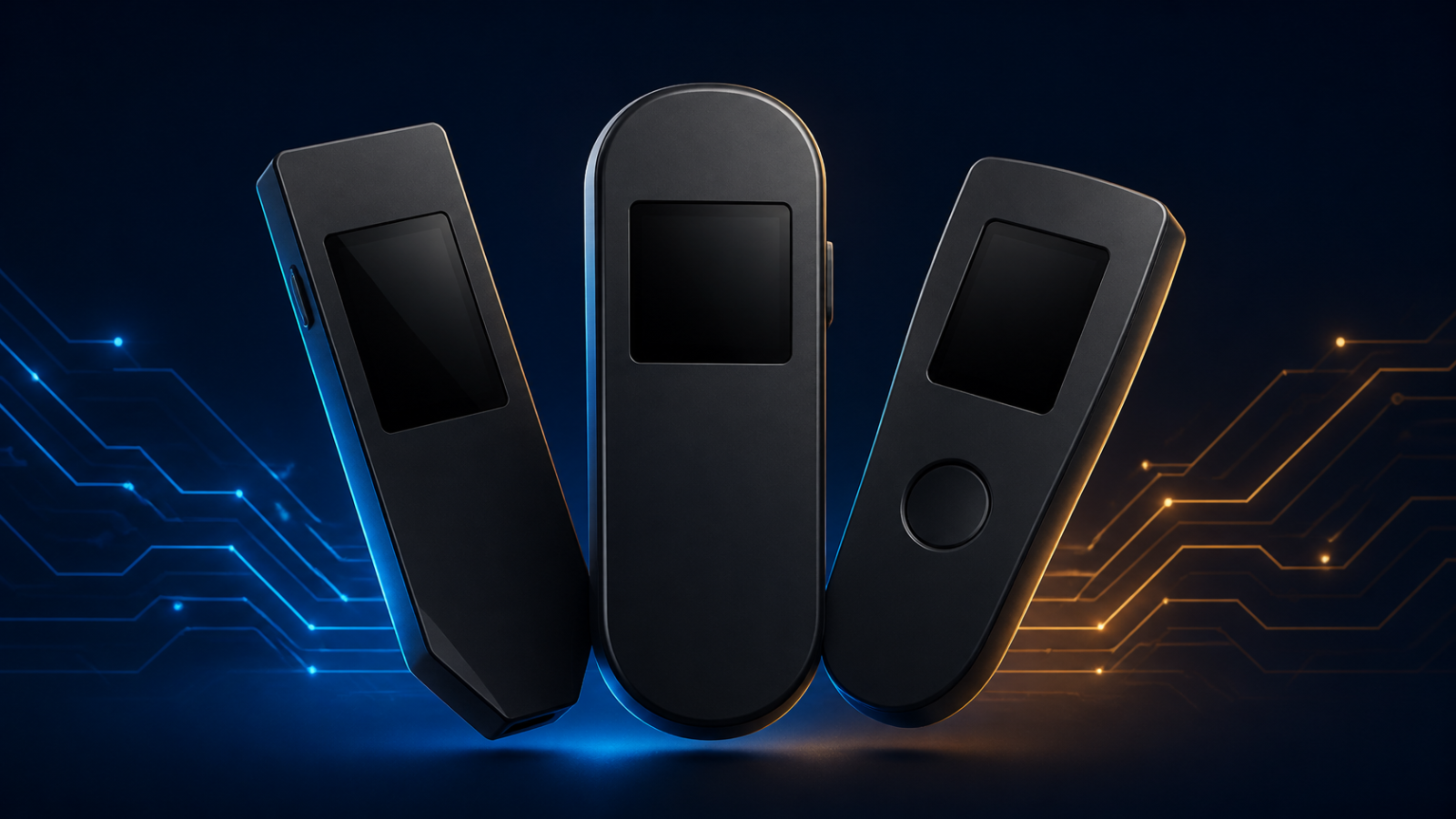
There is no universal winner in the Ledger vs Trezor debate — there are two philosophies wearing similar plastic. Ledger builds around proprietary Secure Elements and its Ledger Wallet app, and it’s the only one of the two that offers Bluetooth. Trezor builds around an open-source design and its Trezor Suite software, and it’s the only one offering a color touchscreen in this group. Pick by how you actually live with your crypto — phone-first, desk-only, touchscreen fan — and the right device mostly picks itself.
New to the whole concept? Start with What Is a Bitcoin Hardware Wallet? A Beginner’s Guide, then come back here for the shopping decision.
The four contenders
This comparison sticks to the current, verifiable lineups. On the Ledger side: the Nano S Plus, its wired entry model, and the Nano X, the Bluetooth model. On the Trezor side: the Safe 3, the entry point of its Safe series, and the Safe 5, its touchscreen flagship. (Trezor’s original Model One was discontinued in January 2026 and isn’t sold new anymore, so it’s out.)
The comparison table
| Product | Ledger Nano S Plus | Ledger Nano X | Trezor Safe 3 | Trezor Safe 5 |
|---|---|---|---|---|
| Testing level | Research-based | Research-based | Research-based | Research-based |
| Best for | Desktop and Android users who prefer a wired-only, USB-C wallet with an EAL6+ chip. | iPhone and Android users who want cable-free mobile signing with Bluetooth and a battery. | First-time hardware-wallet buyers who want EAL6+ Secure Element protection, open-source design, and simple wired use. | Users who want on-device touchscreen entry, haptic confirmation, and EAL6+ protection while staying wired and open-source. |
| Skip if | You need iOS support or Bluetooth — official specs list Android/desktop only and no Bluetooth. | You want the higher EAL6+ certification, a touchscreen, or a wired-only device — this model is EAL5+, button-driven, and Bluetooth-enabled. | You need a touchscreen, Bluetooth, or full iOS setup/signing — this model is button-only, USB-C only, and iOS use is limited. | You need Bluetooth, a battery, or iPhone setup/send/swap — official specs list USB-C only and iOS functionality is limited. |
| Secure Element | ST33K1M5, CC EAL6+ certified | ST33J2M0, CC EAL5+ certified | OPTIGA Trust M (V3), CC EAL6+ | OPTIGA Trust M (V3), CC EAL6+ "NDA-free" |
| Display | 1.1" monochrome OLED 128×64 | 1.1" monochrome OLED 128×64 | 0.96" monochrome OLED 128×64, two buttons | 1.54" color touchscreen 240×240 px, Gorilla Glass 3, haptic feedback |
| Connection | USB-C only (desktop and Android); no Bluetooth | Bluetooth BLE 5.2 for smartphones (iOS/Android) + USB-C for desktop/Android | USB-C only (power and data; USB-C to USB-C cable included); no Bluetooth | USB-C only; MicroSD slot; no Bluetooth; no battery (USB powered) |
| Compatibility | Windows 10/11, macOS Monterey/Ventura, Ubuntu LTS 20.04/22.04 64-bit, Android 10+; not compatible with Chromebooks | Windows 10/11, macOS, Ubuntu LTS, iOS 14+, Android 10+; not compatible with Chromebooks | — | — |
| Assets | 500+ crypto assets via the Ledger Wallet app, thousands more via third-party wallets; up to 100 apps installed | 500+ assets via Ledger Wallet, thousands via third parties; up to 100 apps | Thousands of coins and tokens (incl. BTC, ETH) | Thousands of coins and tokens |
| Battery | No battery (USB powered) | Rechargeable 100 mAh battery (hours of use, months standby; not replaceable; charges via USB-C) | — | — |
| Dimensions | 62.4 × 17.4 × 8.2 mm, 20.7 g | 72 × 18.6 × 11.7 mm, 35.8 g | 59 × 32 × 7.4 mm, 14 g, tamper-evident PMMA case, open-source design | 65.9 × 40 × 8 mm, 23 g, tamper-evident PC-ABS |
| CPU | — | — | ARM Cortex-M4 @ 180 MHz | ARM Cortex-M33 @ 160 MHz |
| Pros | CC EAL6+ Secure Element; Wired USB-C connection with no wireless attack surface; 500+ assets in Ledger Wallet, thousands more via third-party wallets | Bluetooth BLE 5.2 for cable-free mobile signing; Built-in rechargeable battery; Supports iOS and Android | EAL6+ Secure Element; Open-source design; USB-C only with no wireless radio | 1.54" color touchscreen with haptic feedback and Gorilla Glass 3; On-device PIN and passphrase entry, recovery and confirmation; EAL6+ Secure Element |
| Cons | No Bluetooth; No iOS support; Monochrome OLED display only | EAL5+ certification (not EAL6+); No touchscreen (button-driven); Bluetooth-enabled (not wired-only) | No touchscreen (button-only); No Bluetooth; iOS use is limited | No Bluetooth; No battery (USB powered); iPhone setup/send/swap limited |
| Price | Check price on Amazon | Check price on Amazon | Check price on Amazon | Check price on Amazon |
Where they genuinely differ
Security chips: EAL6+ vs EAL5+ — read the fine print
Three of these four devices carry a Secure Element certified at CC EAL6+: the Nano S Plus (an ST33K1M5 chip), the Safe 3 and the Safe 5 (both using Infineon’s OPTIGA Trust M). The exception is the Nano X, whose chip is certified EAL5+ — one level lower. Does that change your life? For most people, the practical risk difference is small next to habits like seed-phrase handling. But if you’re choosing the X partly because you assume it tops the range on security certification, know that it doesn’t — its premium is Bluetooth, not the chip.
Screens and confirmation
The Nano S Plus, Nano X and Safe 3 all use small monochrome OLEDs with physical buttons: 1.1 inches (128 × 64) on the Ledgers, 0.96 inches on the Safe 3. Perfectly workable, mildly tedious on long addresses. The Safe 5 is the outlier: a 1.54-inch color touchscreen (240 × 240, Gorilla Glass 3) with haptic feedback, so PIN entry, passphrase typing, recovery and confirmation all happen on the device with far less button-mashing. If reviewing transactions is the moment that makes you nervous, the touchscreen genuinely reduces friction.
Connections: one Bluetooth device in a wired room
The Nano X is the only device here with Bluetooth (BLE 5.2), pairing with iPhone and Android, plus a rechargeable 100 mAh battery so it works untethered. The other three are USB-C only and draw power from the cable — no battery, no radio, nothing to charge, nothing wireless to think about. Note the knock-on effect for iPhone users: the wired Trezors have limited iOS functionality, and the wired Nano S Plus is officially a desktop-and-Android device. Phone-first Apple users are effectively Nano X customers in this lineup.
Backups and extras
The Trezors offer flexible backups: 12, 20 or 24 words, plus Advanced Multi-share Backup, which splits your secret into shares so no single piece of paper is the whole kingdom. Both also support PIN and passphrase; the Safe 5 adds a MicroSD slot and FIDO2 2FA duties. The Ledgers support up to 100 installed apps and, per Ledger, 500+ assets directly in the Ledger Wallet app with thousands more via third-party wallets; Trezor likewise lists thousands of coins and tokens in Trezor Suite. In practice, both ecosystems cover the mainstream thoroughly.
Size, weight and pocket feel
None of these will burden a pocket, but they’re not identical. The Safe 3 is the featherweight at 14 g (59 × 32 × 7.4 mm), followed by the Nano S Plus at 20.7 g in a slimmer, stick-like body, the Safe 5 at 23 g with the largest footprint of the group, and the Nano X at 35.8 g — the heaviest here, thanks to its battery. In daily terms: the button models disappear into a coin pocket; the Safe 5 feels more like a tiny phone. If your wallet travels in a backpack’s tech pouch, ignore this section entirely; if it travels in jeans, the Safe 3 and Nano S Plus are the easy carries.
Software and openness
Trezor’s Safe-series design is open-source, which appeals to buyers who want the hardware and firmware auditable by anyone. Ledger’s approach leans on its certified proprietary chips and its polished Ledger Wallet app. Neither position is “wrong”; they are different bets about where trust should live. Choose the bet you can explain to yourself at 2 a.m.
The verdicts, by user type
The wired-only purist → Trezor Safe 3. EAL6+ chip, no Bluetooth, no battery, open-source design, and the simplest possible threat model: a cable and two buttons. It’s the purest expression of “signing device and nothing else” in this group.
The mobile user → Ledger Nano X. The only Bluetooth option, the only iPhone-friendly route, and a battery for pocket use. Accept the EAL5+ chip as the price of wireless convenience and move on with your life.
The touchscreen fan → Trezor Safe 5. If on-device typing and clear, haptic-confirmed reviews sound like stress relief, this is your device: color screen, EAL6+, multi-share backups. The premium buys comfort at the exact moment comfort matters.
The first-timer → Ledger Nano S Plus or Trezor Safe 3. Both are entry models with EAL6+ chips and button simplicity. Choose the Nano S Plus if you live in Ledger Wallet’s app ecosystem or use Android/desktop; choose the Safe 3 if open-source design and flexible backups (including multi-share) appeal more. Either way, read our beginner’s guide before your first transfer — ten quiet minutes now prevent loud regrets later.
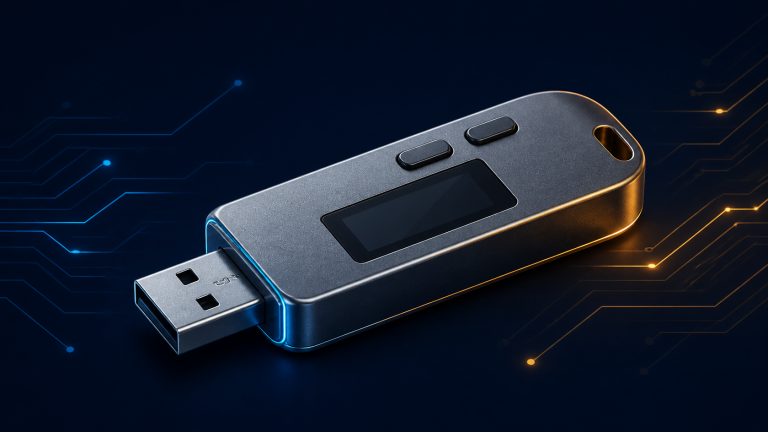
Ledger
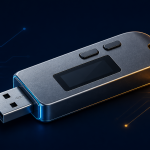
Ledger Nano S Plus
The Ledger Nano S Plus is Ledger's wired, entry-level signer for desktop and Android users who want offline key storage without wireless features.
- Secure Element: ST33K1M5, CC EAL6+ certified
- Display: 1.1" monochrome OLED 128×64
- Connection: USB-C only (desktop and Android); no Bluetooth
As an Amazon Associate I earn from qualifying purchases.
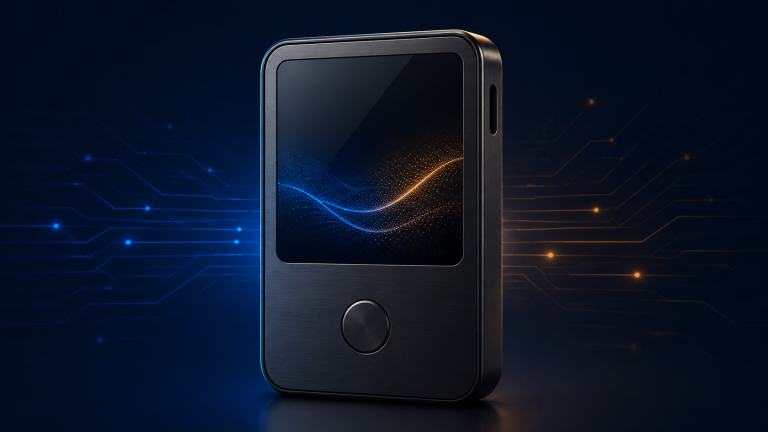
Ledger
Ledger Nano X
The Ledger Nano X is Ledger's Bluetooth-enabled Nano signer, built for users who manage crypto from a phone as well as a desktop.
- Secure Element: ST33J2M0, CC EAL5+ certified
- Display: 1.1" monochrome OLED 128×64
- Connection: Bluetooth BLE 5.2 for smartphones (iOS/Android) + USB-C for desktop/Android
As an Amazon Associate I earn from qualifying purchases.
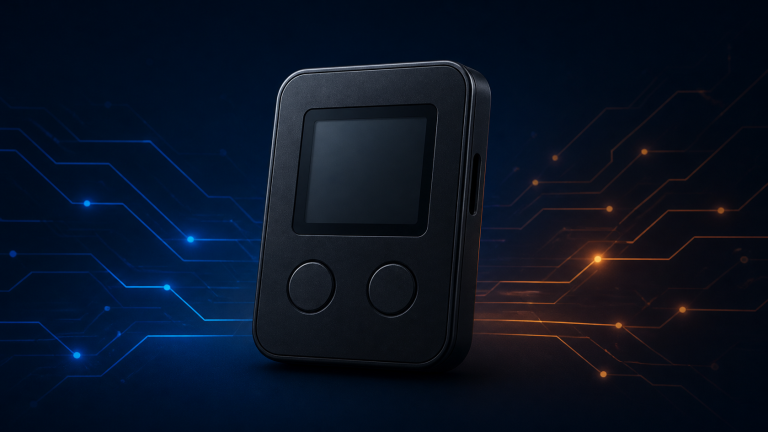
Trezor
Trezor Safe 3
The Trezor Safe 3 is Trezor's entry-level Safe-series wallet, combining its open-source design approach with a certified Secure Element for the first time in its entry line.
- Secure Element: OPTIGA Trust M (V3), CC EAL6+
- Display: 0.96" monochrome OLED 128×64, two buttons
- Connection: USB-C only (power and data; USB-C to USB-C cable included); no Bluetooth
As an Amazon Associate I earn from qualifying purchases.
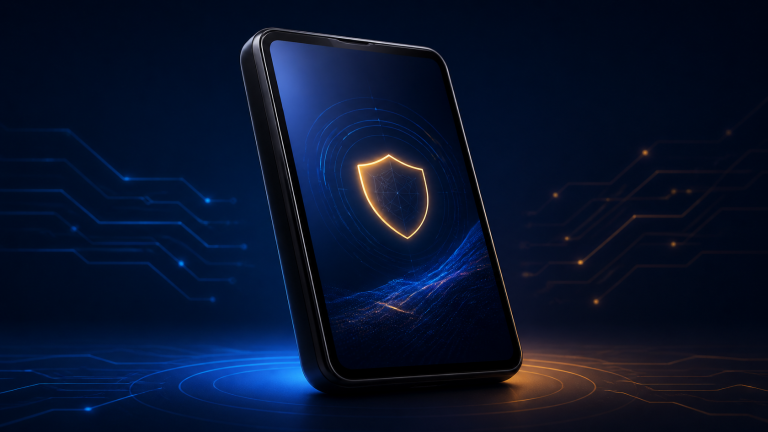
Trezor
Trezor Safe 5
The Trezor Safe 5 is Trezor's touchscreen Safe-series wallet, designed for users who prefer on-device entry and clearer transaction review than a two-button interface offers.
- Secure Element: OPTIGA Trust M (V3), CC EAL6+ "NDA-free"
- Display: 1.54" color touchscreen 240×240 px, Gorilla Glass 3, haptic feedback
- Connection: USB-C only; MicroSD slot; no Bluetooth; no battery (USB powered)
As an Amazon Associate I earn from qualifying purchases.
FAQ
Ledger or Trezor — which is more secure?
Both use certified Secure Elements and on-device confirmation. Three of the four models here are EAL6+; the Nano X is EAL5+. Beyond chips, the biggest real-world factor is how you handle the recovery phrase — a category where brand doesn’t matter at all.
Can I use these with an iPhone?
Fully, only the Nano X, thanks to Bluetooth. The wired devices are desktop-first; Trezor’s iOS functionality is limited, and the Nano S Plus officially targets desktop and Android.
What happens if the company disappears?
Your recovery phrase follows an industry-standard format, so your funds can be restored in compatible wallets and devices. The coins live on the blockchain; the company makes the tool, not the vault.
Do I need the most expensive model?
No. The entry models sign transactions with the same fundamental security model. You pay extra for a touchscreen, Bluetooth or convenience features — worthwhile if you’ll use them, decoration if you won’t.
The Bit Take
Ledger vs Trezor is crypto’s Coke-vs-Pepsi, except both drinks are just very careful key storage.
Match the device to your habits — phone, desk or touchscreen — and your future self will thank you at recovery-phrase time.
Ledger Nano S Plus
Check price on Amazon