Researched, not hands-on tested. Every spec below is drawn from the manufacturers’ official pages.
As an Amazon Associate I earn from qualifying purchases.
Your desk is a tool. Sharpen it.
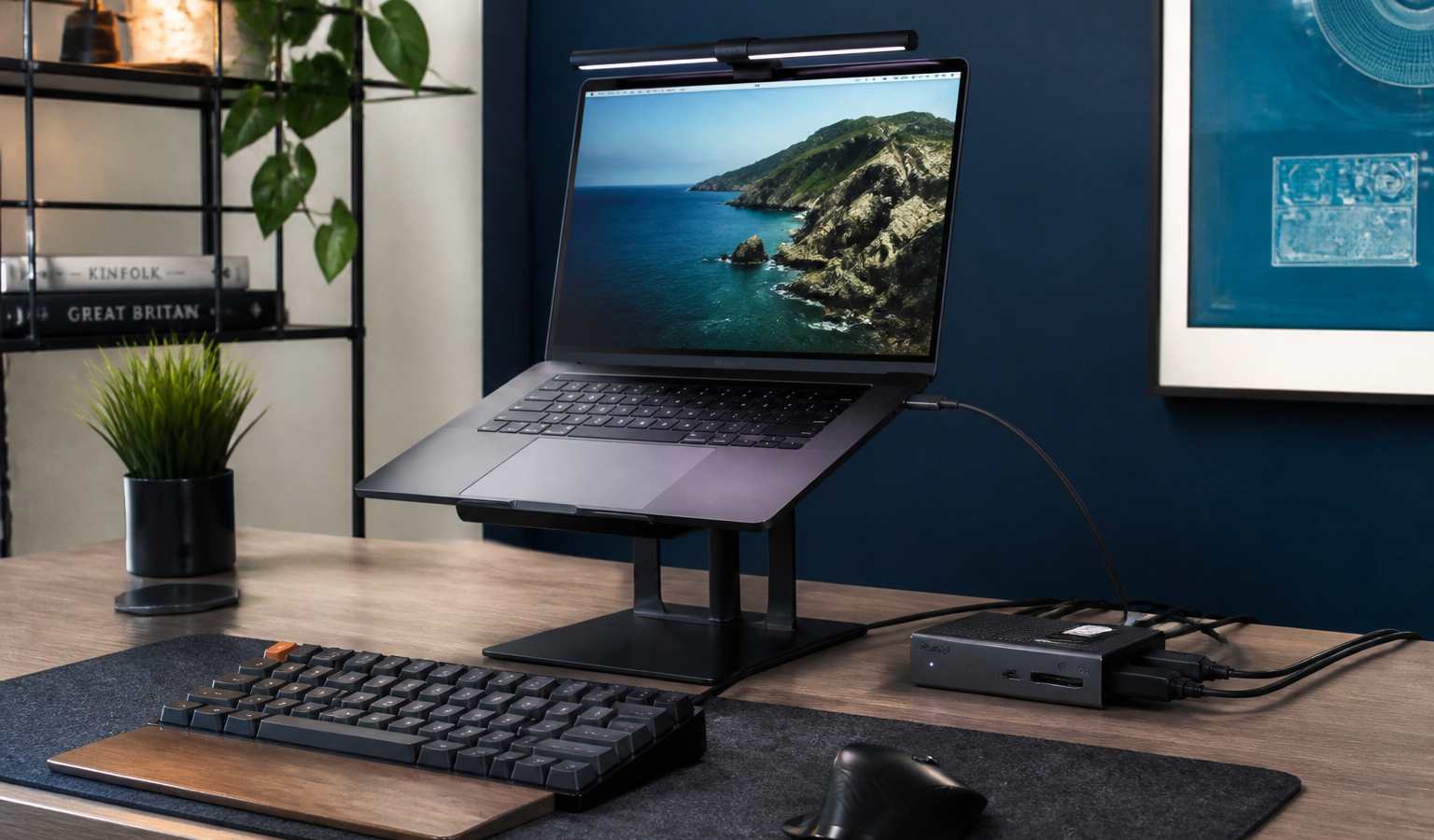
A home office accretes gadgets the way kitchens accrete knives — but five upgrades account for most of the daily difference: the mouse your hand lives on, the keyboard your fingers argue with, the light your eyes work under, the charger that quietly runs everything, and the light that decides how you look on calls. These are our five researched picks for 2026, one per job, each chosen because its official spec sheet — not its marketing — makes the case. If your ports are the problem instead, start with our USB-C hubs and docks guide; this one’s about what plugs into them.
1. Logitech MX Master 3S — the hand throne
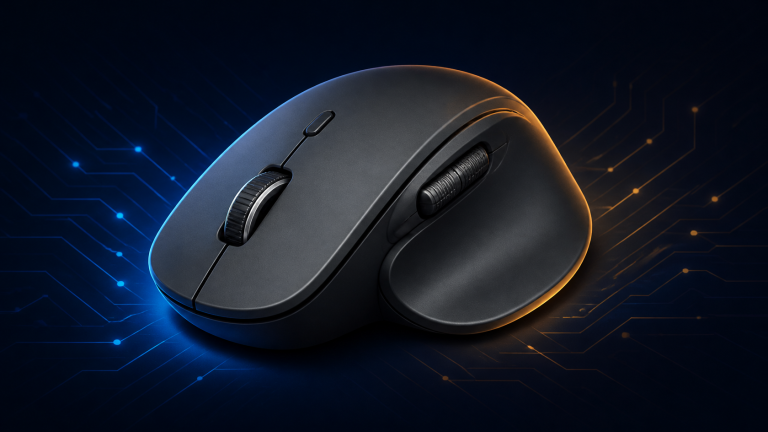
The MX Master 3S remains the default recommendation for desk work because its spec sheet solves real annoyances. Its Darkfield sensor tracks at up to 8,000 DPI on glass (minimum 4mm thick), so “my desk surface is weird” stops being a variable. Quiet Clicks are rated 90% quieter than the previous model — your call participants will never hear you click again — and the MagSpeed wheel scrolls 1,000 lines per second alongside a thumb wheel for horizontal work. It pairs with up to three devices over Bluetooth and Logi Bolt, and its battery is rated up to 70 days, with one minute of USB-C charging returning about three hours of use.
One edition note, because it decides whether you’re annoyed later: the listing we verified is the Bluetooth Edition, which does not include a USB receiver (or charging cable) in the box. Bluetooth-only is fine for most modern laptops — just don’t expect a Logi Bolt dongle in the packaging. Left-handers and claw-grip gamers should also look elsewhere: at 141g in a sculpted right-handed shell, this is a productivity instrument, proudly so.
Logitech
Logitech MX Master 3S
The Logitech MX Master 3S is an ergonomic, right-handed productivity mouse built around an 8,000 DPI Darkfield sensor that tracks on most surfaces, including glass.
- Sensor: Darkfield sensor 200–8,000 DPI (50-DPI steps), tracks on glass (min 4mm)
- Connectivity: Bluetooth Low Energy + Logi Bolt compatible; pairs up to 3 devices; this Bluetooth Edition includes NO USB receiver and no charging cable
- Battery: 500 mAh Li-Po battery, up to 70 days; USB-C quick charge (1 min ≈ 3 hours)
As an Amazon Associate I earn from qualifying purchases.
2. Keychron K2 Max — the compact keyboard that connects to everything
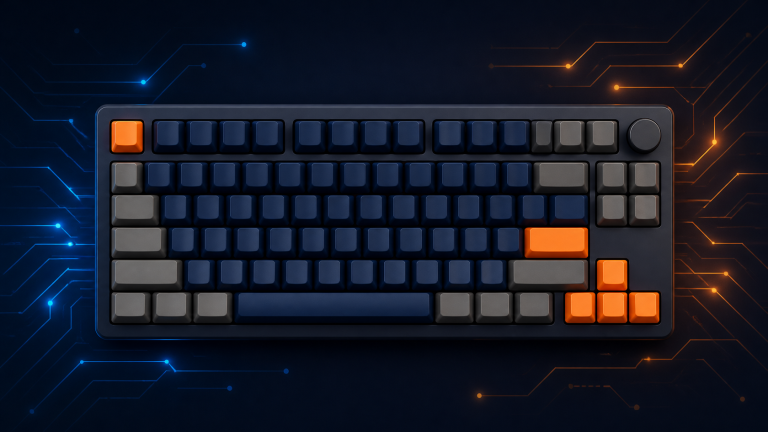
A note on naming first: the K2 you want in 2026 is the K2 Max. The classic K2 (Version 2) has been superseded — Keychron’s own store lists it sold out — so the current model carries the family name forward. What you get is a 75% board with 84 keys that keeps arrows and a function row in a compact frame, and connectivity that borders on showing off: 2.4GHz, Bluetooth for up to three devices, and wired USB-C, with 1,000Hz polling on the wireless-dongle and wired modes.
Switches are Keychron’s own Super line — Red, Brown or Banana — in hot-swappable versions, under double-shot PBT keycaps. The 4,000mAh battery is rated up to 190 hours, QMK firmware plus Keychron’s Launcher web app handle remapping and macros, and both Mac and Windows keycaps are in the box. The honest trade-off is the layout: a 75% board has no number pad, and number-crunchers will feel that daily. Everyone else gets their desk space back.
Keychron
Keychron K2 Max QMK Wireless Mechanical Keyboard
The Keychron K2 Max updates the familiar 75% K2 formula with tri-mode connectivity and QMK customization.
- Verified variant: Super Red switches, white backlight
- Layout: 75% ANSI layout, 84 keys
- Connectivity: Tri-mode: 2.4 GHz, Bluetooth (up to 3 devices, BT 5.1), wired USB-C; 1,000 Hz polling on 2.4 GHz and wired
As an Amazon Associate I earn from qualifying purchases.
3. BenQ ScreenBar Pro — light that lands on the desk, not the screen
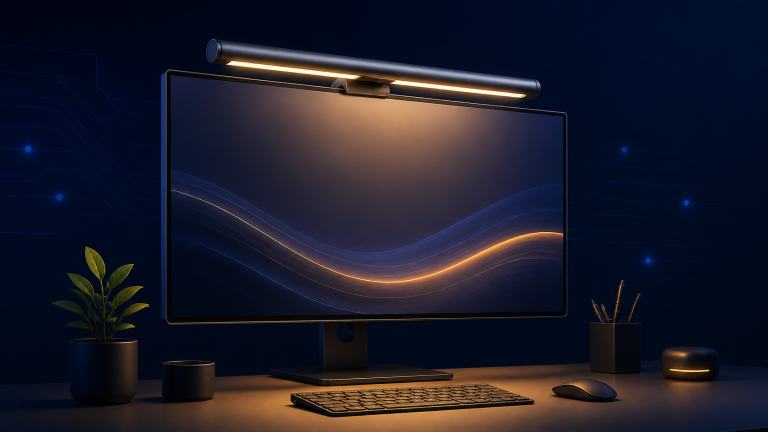
A monitor light bar is the upgrade people resist and then evangelize. The ScreenBar Pro’s third-generation asymmetric optics throw light onto your desk — rated above 1,000 lux at center with a wide 85 × 50 cm pool at 500 lux — without shining into your eyes or reflecting off the display. Color temperature adjusts from 2700K to 6500K across eight ANSI-compliant steps, with 16 brightness levels, color rendering above Ra 95, auto-dimming toward a 500-lux working level, and an ultrasonic presence sensor that switches it on and off as you come and go.
It powers over USB-C (an adapter is included) and the clamp fits flat and curved monitors from 0.43 to 6.5 cm thick, including 1000R–1800R curves. Know its lane, though: the Pro is front light only, with touch controls on the bar. If you want a rear glow behind the monitor or a wireless desk dial, that’s BenQ’s Halo line, not this model.
BenQ
BenQ ScreenBar Pro
The BenQ ScreenBar Pro is the front-light-only step up in BenQ's current ScreenBar family, built for desks where a monitor needs task lighting without a lamp taking up space.
- Variant: Silver variant, sold by BenQ INFTY Lab
- Illuminance: Center illuminance >1,000 lux at 50 cm; 500-lux coverage 85 × 50 cm
- Color temperature and brightness: 2700K–6500K in 8 ANSI-compliant settings; 16 brightness levels
As an Amazon Associate I earn from qualifying purchases.
4. Anker 735 Charger (Nano II 65W) — one brick to run the desk
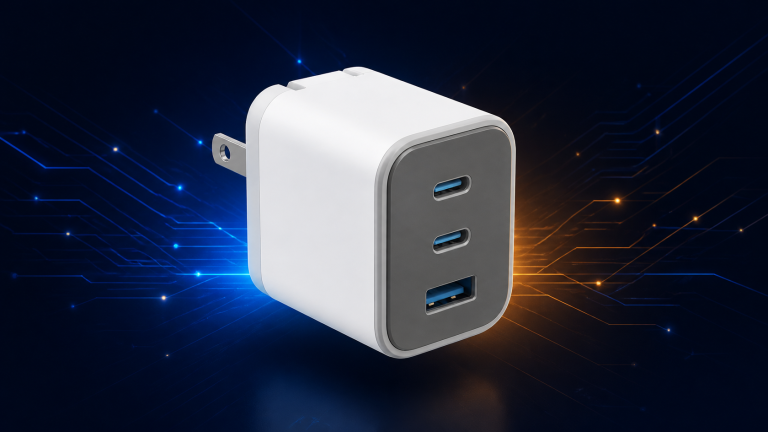
Naming matters here too, so let’s be precise: this pick is the Anker 735 Charger (Nano II 65W), model A2667 — a GaN II charger with PowerIQ 3.0. (Anker also sells a different 735 with GaNPrime branding; this guide’s verified pick is the Nano II, chosen because it’s the one with a fully confirmable spec sheet and official listing.) Its two USB-C ports and one USB-A share 65W intelligently: either USB-C alone delivers the full 65W to a laptop, and splits are documented — 45W + 20W across both USB-C ports, or 40W reserved for the laptop when all three ports are busy.
At 1.5 × 1.15 × 2.6 inches with folding prongs, it disappears into a desk corner or a travel pouch, and PPS support covers fast-charging phones. The fine print: it supports Samsung Super Fast Charging but not the 45W Super Fast Charging 2.0 tier, and all-three-ports use caps laptop power at 40W. As a single charger for laptop, phone and earbuds, it’s the tidiest math on this list.
Anker
Anker 735 Charger (Nano II 65W)
The Anker 735 Charger (Nano II 65W) is a three-port wall charger with two USB-C ports and one USB-A port sharing 65W of maximum output.
- Model: A2667
- Total output: 65W max total output
- Ports: 2× USB-C + 1× USB-A
As an Amazon Associate I earn from qualifying purchases.
5. Logitech Litra Glow — look like you meant to be on camera
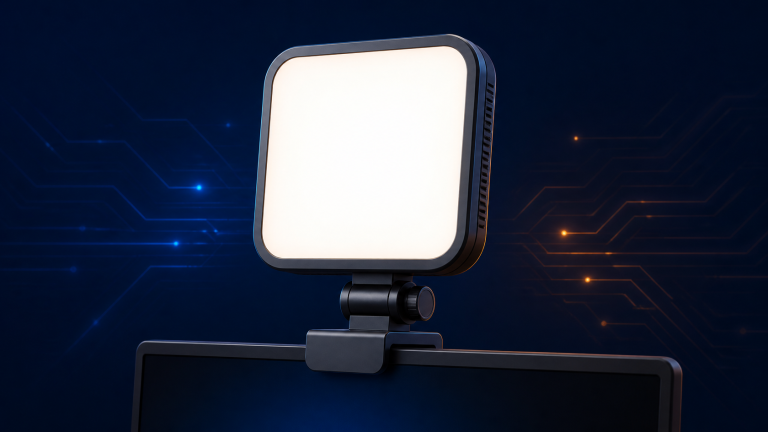
The cheapest-looking thing on any video call is bad light, and the Litra Glow exists to fix exactly that for people who live on calls. Logitech’s TrueSoft technology diffuses full-spectrum light for natural skin tones — up to 250 lumens, color temperature adjustable from 2700K to 6500K, CRI 93. It mounts on top of your monitor with height, tilt and rotation adjustment (and unscrews onto any standard tripod thread), runs entirely off USB power — no battery, no wall wart — and is controlled from buttons on the back or Logitech’s G HUB app. Logitech also notes UL verification for all-day, eye-safe use, which matters for a light that points at your face from breakfast to standup number nine.
Calibrate your expectations to its size: 250 lumens is a near-field desk light, glorious for one person on calls, not a studio solution for a whole room. Within arm’s reach of a monitor, that’s precisely the job.
Logitech
Logitech Litra Glow
The Logitech Litra Glow is a compact USB-powered light built specifically for video calls and desktop streaming.
- Variant: Graphite, model 946-000001
- Max brightness: 250 lumens; TrueSoft full-spectrum LEDs with frameless diffuser; CRI 93 with high R9
- Color temperature: Adjustable 2700–6500K; 5 brightness and 5 temperature levels from rear buttons, full control via Logitech G HUB (PC/Mac)
As an Amazon Associate I earn from qualifying purchases.
One ecosystem note before the picks
Two of these picks — the MX Master 3S and the K2 Max — each pair with up to three devices, and that’s not a coincidence worth ignoring. A mouse and keyboard that both hop between your work laptop, personal machine and tablet with a button press turn a shared home desk into two workstations. If you run a mixed Mac/Windows setup, the K2 Max even ships both operating systems’ keycaps in the box. You don’t need to buy them together, but if you do, the desk-switching trick is the feature you’ll show off.
Putting the desk together
Start where your hand and eyes spend the day: the MX Master 3S and the ScreenBar Pro change every hour, not just call hours. Add the K2 Max if your current keyboard is a laptop’s compromise, the Nano II to delete two other chargers, and the Litra Glow the day before your next important call — your future on-camera self says thanks. Securing what all this gear helps you manage? Our hardware wallet beginner’s guide is the friendly place to start.
The Bit Take
Nobody dreams of owning a better charger — yet five small upgrades quietly add up to a workday that fights you less.
Fix the light and the mouse first; they’re the two you’ll notice before your coffee cools.

Logitech MX Master 3S
Check price on Amazon